> ## Documentation Index
> Fetch the complete documentation index at: https://docs.summation.com/llms.txt
> Use this file to discover all available pages before exploring further.
# Verification
> How Summation checks an artifact's accuracy before you share it.
Verification automatically checks an artifact's numbers, sources, and claims. Open the Verification Hub to review the results and investigate flagged checks.
[Reports](/features/artifacts/reports), [Decks](/features/artifacts/decks), [Excel](/features/artifacts/excel) workbooks, and [HTML](/features/artifacts/html) pages support verification. Check the status before sharing, especially after making changes. The Hub shows individual check results and any findings that have been approved.
 **Where each action lives in the UI** (for telling users where to click):
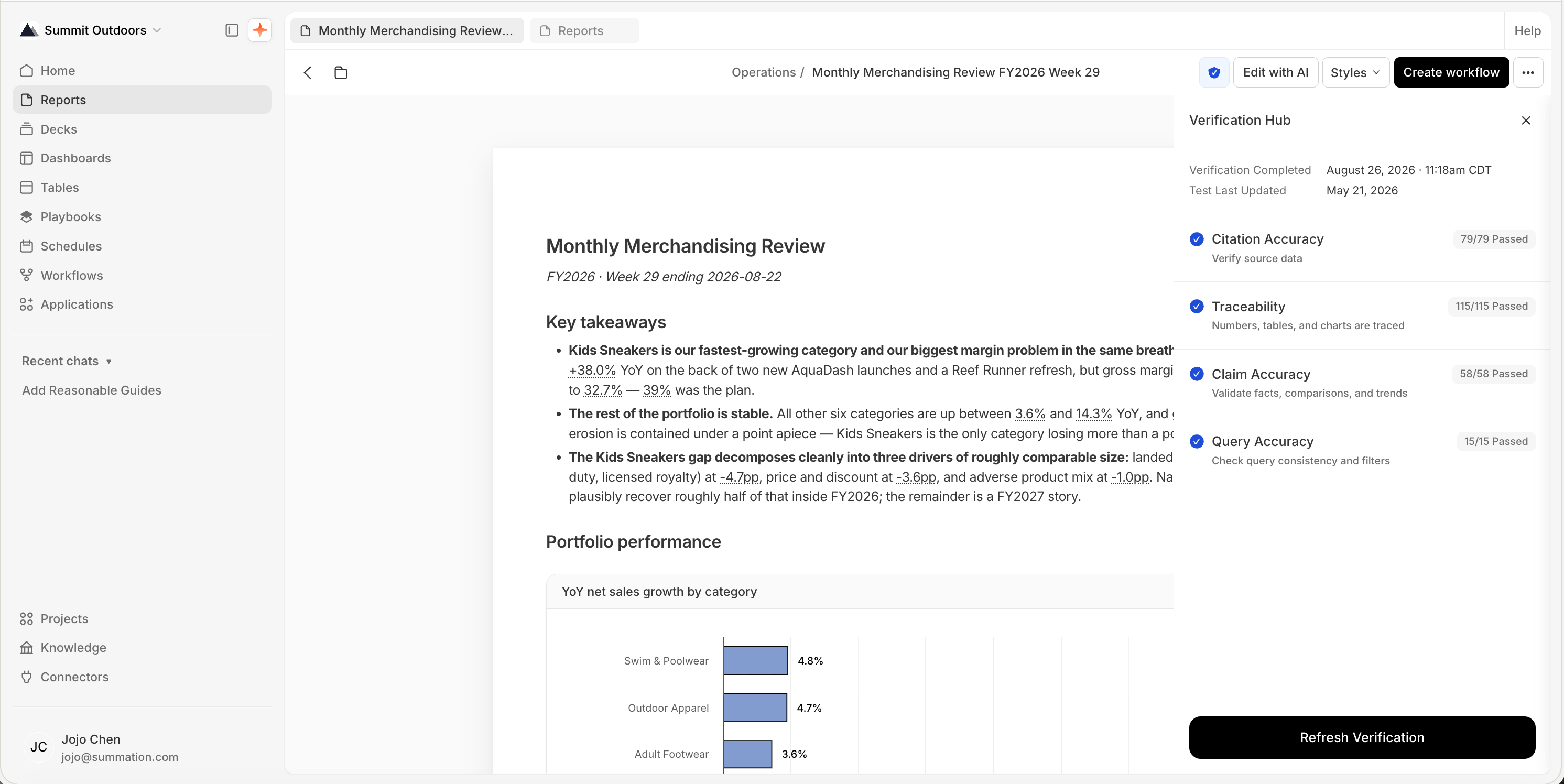
* **Verification badge**: a shield icon in the artifact's toolbar. Click it to open the **Verification Hub** as a side panel.
* **Running verification**: **Verify** starts the first run; after that the button reads **Refresh Verification**. Progress streams as checks complete.
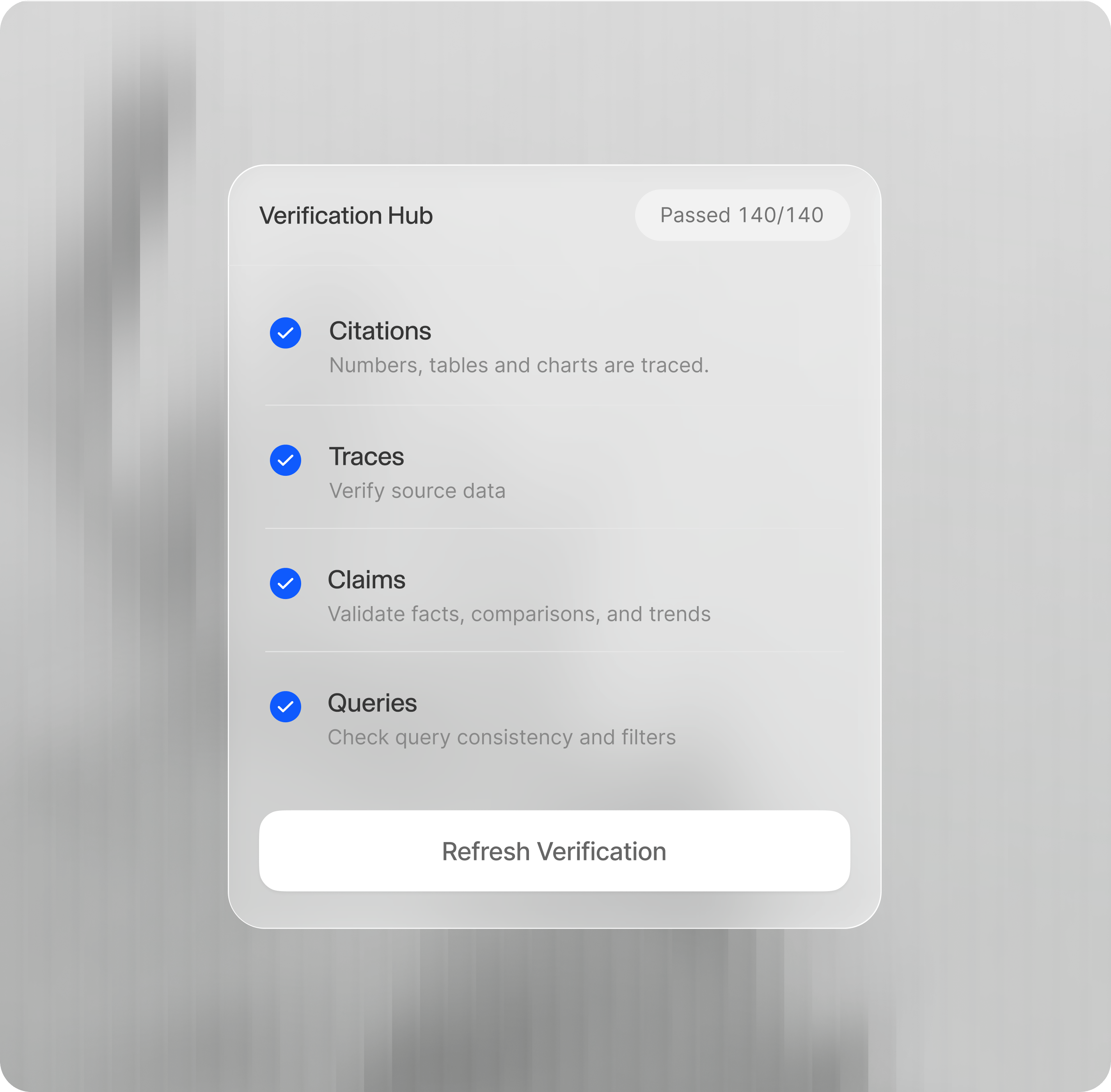
* **Dimensions**: the Hub lists a pass count per dimension (see [Dimensions by artifact](#dimensions-by-artifact)). An advisory **Quality Review** can appear alongside them without affecting the pass/fail badge.
* **Stale detection**: editing an artifact after verifying marks it **Stale** in the Hub ("Edits have been made, refresh verification"), and the toolbar badge reflects the current status.
## Statuses
| Status | Meaning |
| --------------- | ---------------------------------------------------------------------------------------- |
| **Unverified** | No verification has been run |
| **In progress** | Verification is running |
| **Verified** | Checks passed |
| **Stale** | The artifact changed since it was last verified; refresh to update |
| **Failed** | Verification found blocking issues |
| **Error** | Verification couldn't finish: the verifier crashed or timed out mid-run. Re-run to retry |
## Dimensions by artifact
What verification checks depends on the artifact:
| Artifact | Dimensions |
| -------------------------------------------------------------- | -------------------------------------------------------------------------------------------------- |
| **[Reports](/features/artifacts/reports#verify-a-report)** | Citation Accuracy, Traceability, Claim Accuracy, Query Accuracy |
| **[Decks](/features/artifacts/decks#verify-a-deck)** | Traceability, Citation Accuracy, Claim Accuracy, Query Accuracy, Deliverable Gates, Quality Review |
| **[Excel](/features/artifacts/excel#verify-and-edit-with-ai)** | `workbook_quality` and `workbook_rubric` checks, surfaced as a single pass/fail badge |
| **[HTML](/features/artifacts/html)** | An `html_file` check, surfaced the same way as reports and decks |
**Where each action lives in the UI** (for telling users where to click):
* **Verification badge**: a shield icon in the artifact's toolbar. Click it to open the **Verification Hub** as a side panel.
* **Running verification**: **Verify** starts the first run; after that the button reads **Refresh Verification**. Progress streams as checks complete.
* **Dimensions**: the Hub lists a pass count per dimension (see [Dimensions by artifact](#dimensions-by-artifact)). An advisory **Quality Review** can appear alongside them without affecting the pass/fail badge.
* **Stale detection**: editing an artifact after verifying marks it **Stale** in the Hub ("Edits have been made, refresh verification"), and the toolbar badge reflects the current status.
## Statuses
| Status | Meaning |
| --------------- | ---------------------------------------------------------------------------------------- |
| **Unverified** | No verification has been run |
| **In progress** | Verification is running |
| **Verified** | Checks passed |
| **Stale** | The artifact changed since it was last verified; refresh to update |
| **Failed** | Verification found blocking issues |
| **Error** | Verification couldn't finish: the verifier crashed or timed out mid-run. Re-run to retry |
## Dimensions by artifact
What verification checks depends on the artifact:
| Artifact | Dimensions |
| -------------------------------------------------------------- | -------------------------------------------------------------------------------------------------- |
| **[Reports](/features/artifacts/reports#verify-a-report)** | Citation Accuracy, Traceability, Claim Accuracy, Query Accuracy |
| **[Decks](/features/artifacts/decks#verify-a-deck)** | Traceability, Citation Accuracy, Claim Accuracy, Query Accuracy, Deliverable Gates, Quality Review |
| **[Excel](/features/artifacts/excel#verify-and-edit-with-ai)** | `workbook_quality` and `workbook_rubric` checks, surfaced as a single pass/fail badge |
| **[HTML](/features/artifacts/html)** | An `html_file` check, surfaced the same way as reports and decks |
 ## Traceability and verification
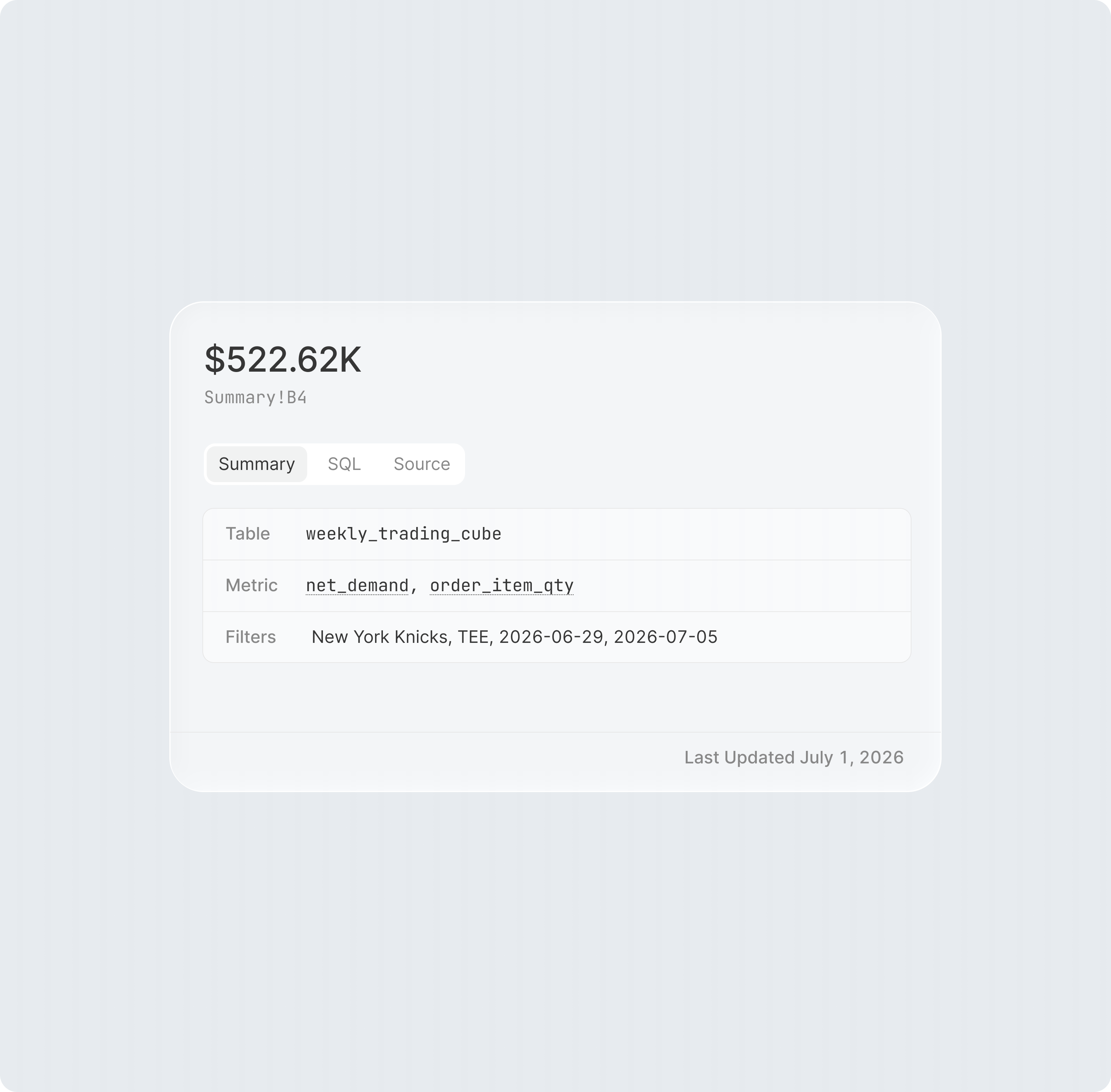
Traceability is how you can audit any number in an artifact all the way back to the SQL query that produced it. Every figure Addison cites is clickable in the artifact itself (underlined in Reports and HTML, or marked with a **Citations** button in Decks) and opens a **Value trace**: the source query result with the exact data cell highlighted.
Verification is what checks that traceability holds up: it confirms that cited numbers tie out to their source data, and that they make sense together, consistent with each other, not just individually correct.
## Traceability and verification
Traceability is how you can audit any number in an artifact all the way back to the SQL query that produced it. Every figure Addison cites is clickable in the artifact itself (underlined in Reports and HTML, or marked with a **Citations** button in Decks) and opens a **Value trace**: the source query result with the exact data cell highlighted.
Verification is what checks that traceability holds up: it confirms that cited numbers tie out to their source data, and that they make sense together, consistent with each other, not just individually correct.