
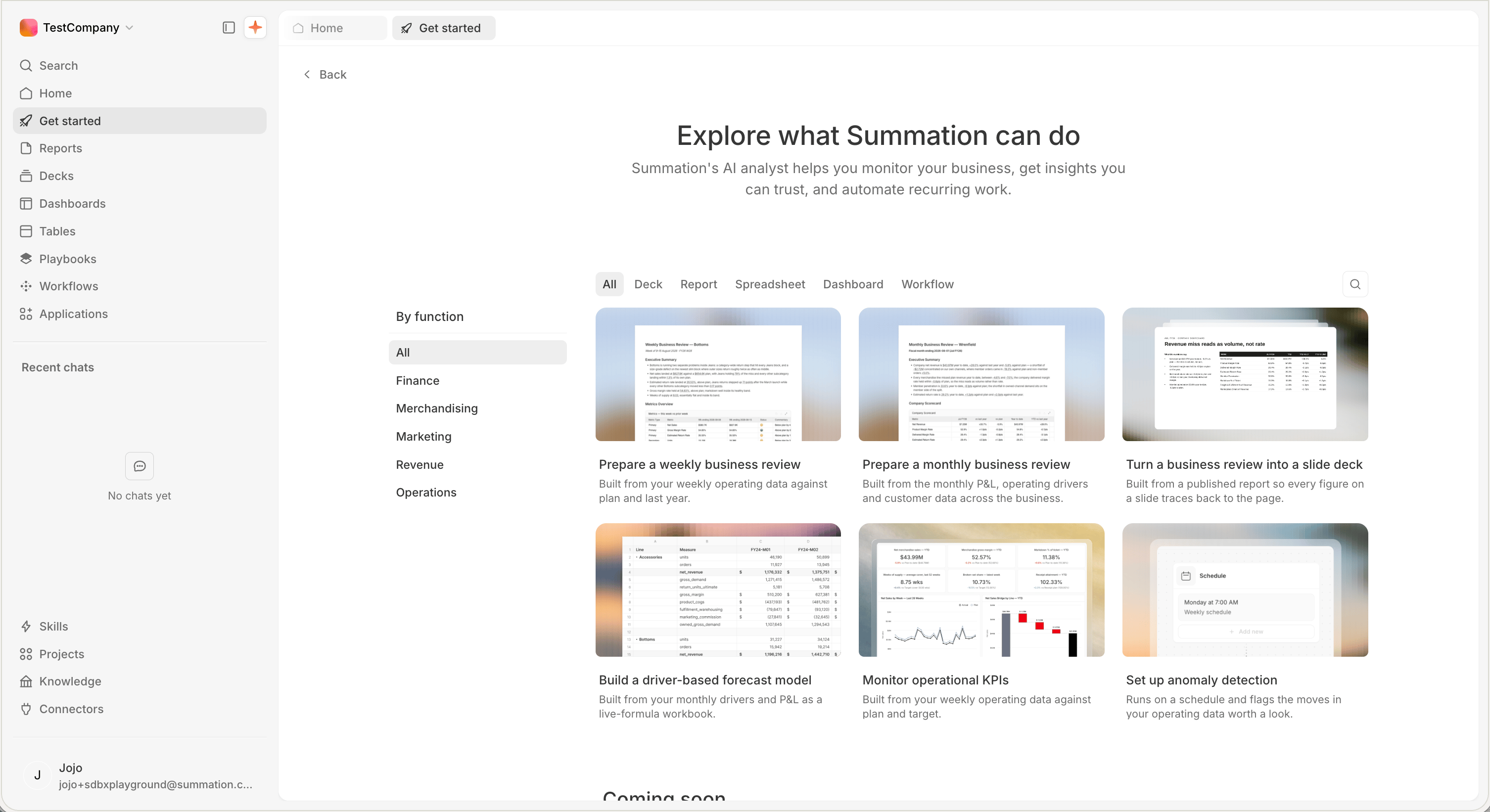
Get started: browse examples by type or function
Choose a goal
Monitor your business
Track what changed, investigate why, and focus attention on what matters.
Get verified insights
Answer a business question and trace the important findings back to their sources.
Forecast and plan
Build an editable forecast, test assumptions, and compare scenarios.
Automate recurring work
Turn recurring analysis into a workflow your team can review and run again.
Start from an example
Prepare a weekly business review
Review one team’s results against plan and the prior week, then deliver the update on schedule.
Prepare a monthly business review
Review a closed month across the P&L, operating drivers, and customer data.
Turn a business review into a slide deck
Build an executive-ready deck from a review you have already published.
Build a driver-based forecast model
Forecast revenue and margin from measured drivers in an editable Excel workbook.
Monitor operational KPIs
Track headline metrics against plan and see which part of the business owns the gap.
Catch anomalies before the review does
Flag the biggest changes and keep unresolved issues visible between reviews.