
Choose work worth repeating
Start with one task and the project containing its data. For example:- a weekly revenue or merchandising review;
- a monthly budget-versus-actual analysis;
- an inventory, margin, or pipeline exception report;
- a planning model refreshed with the latest actuals.
Create the workflow with Addison
- Describe new work
- Repeat existing work
Open Workflows → New workflow → Create with Addison and describe the task, schedule, and desired output:
Every Monday at 9 a.m. Pacific, review the prior week’s revenue and gross margin against plan. Explain the largest variances and prepare a summary for our finance team.Addison helps create the workflow and the playbook behind it. You can refine the instructions and output after reviewing a first run.
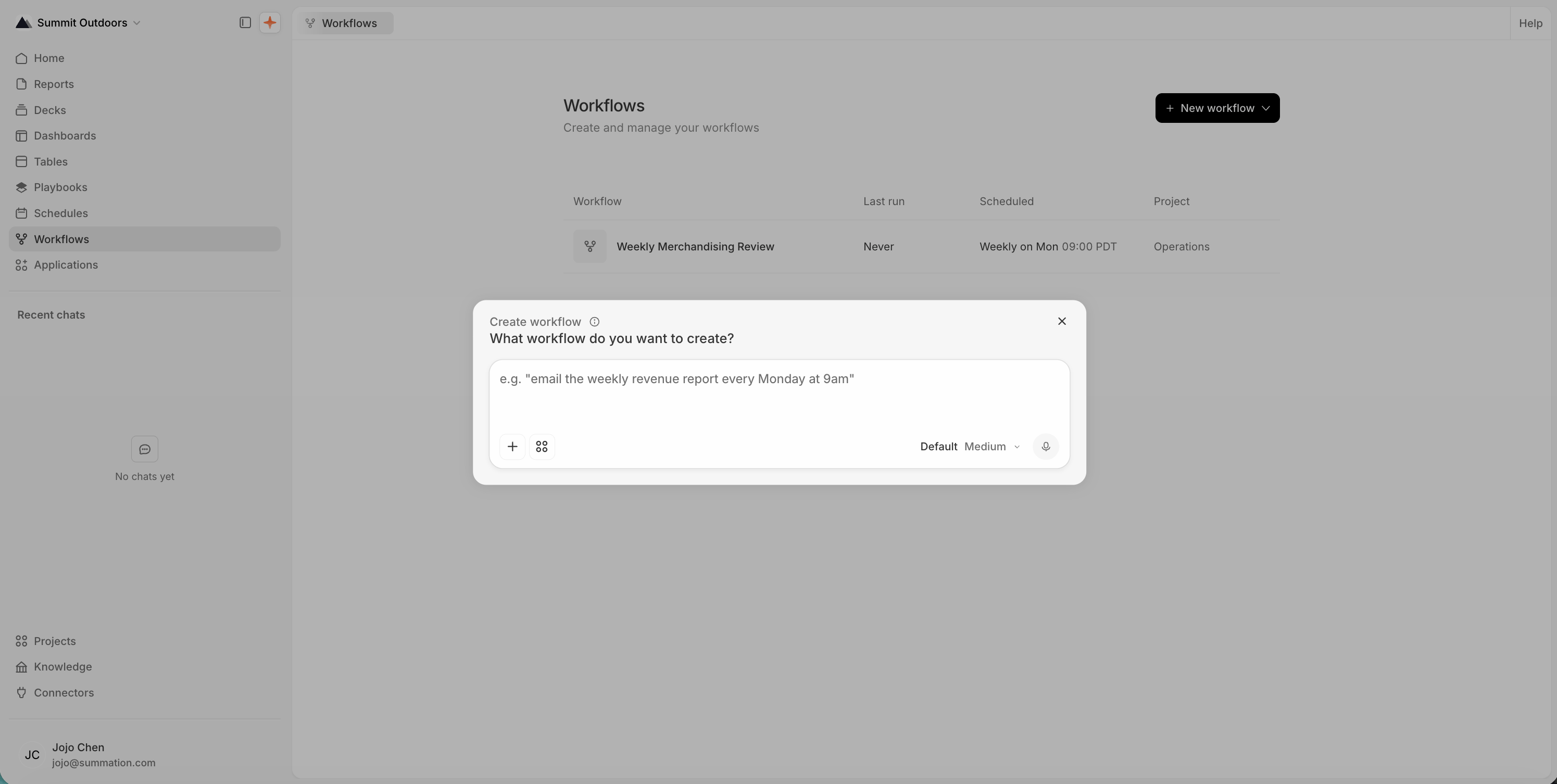
Describing the recurring work to Addison
Review the settings
Check the project, schedule, and timezone. If you want delivery, supply the intended email addresses or Slack destination and confirm them in the editor.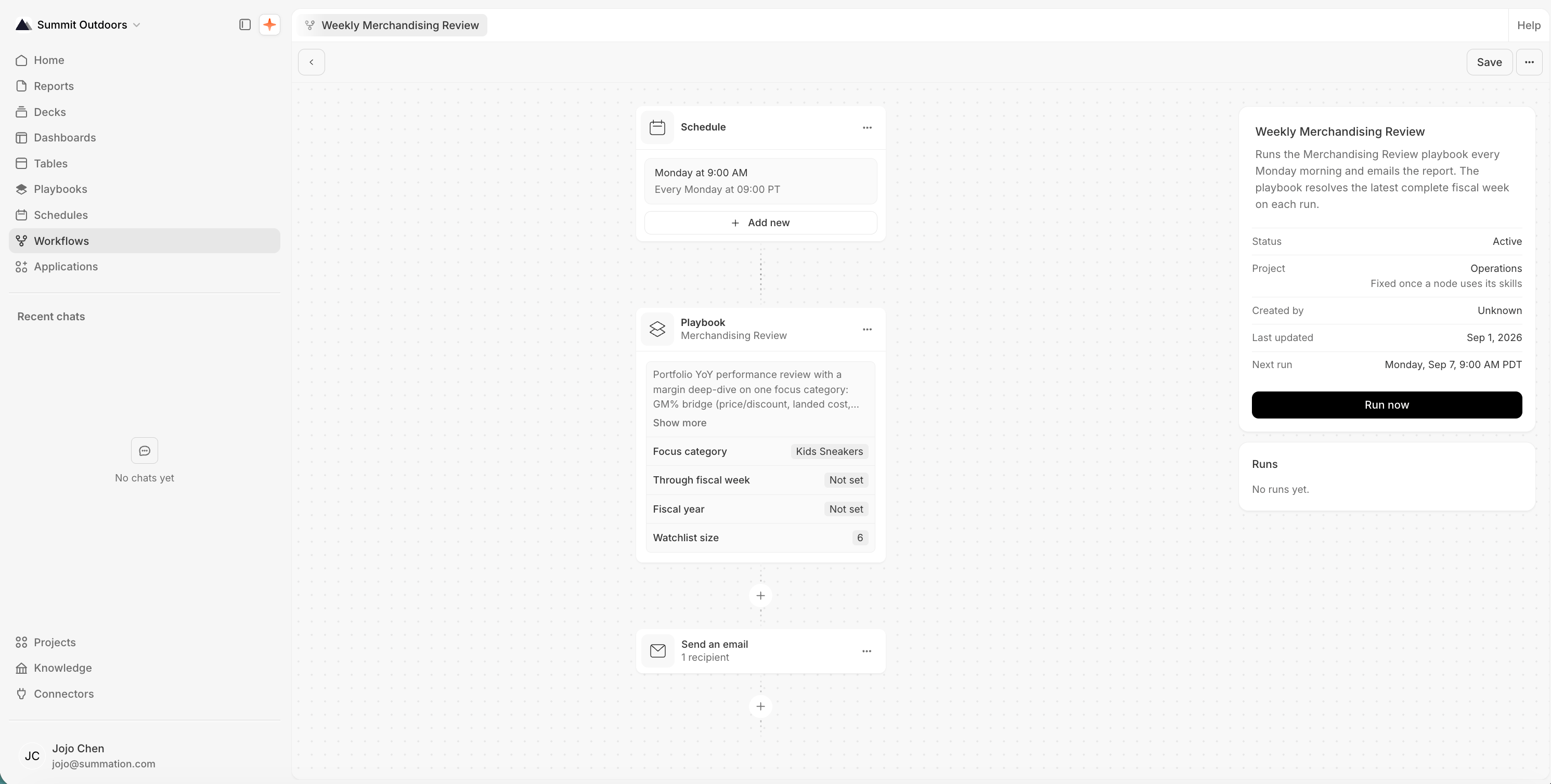
A workflow's schedule, project, and next run time
Saving a complete draft marks it Active. Saving doesn’t run it immediately, but an enabled schedule will run at its configured times. Review the settings before saving, then check Next run.
Test and refine the work
You can test the analysis on its own with Run Playbook, or test the whole workflow with Run now. Open the result and check that:- the reporting period, data, and business definitions are right;
- the output answers the question and highlights meaningful changes;
- important findings trace to their sources, with missing inputs and uncertainty made clear.
Put the largest dollar variances first, explain the drivers by region, and flag missing plan data instead of treating it as zero.Test again after revising. If you have another complete period available, try it to check that the instructions work beyond the original example.
Check the first scheduled run
Confirm that Next run matches the schedule you intended. The workflow’s Runs list shows each execution and its status.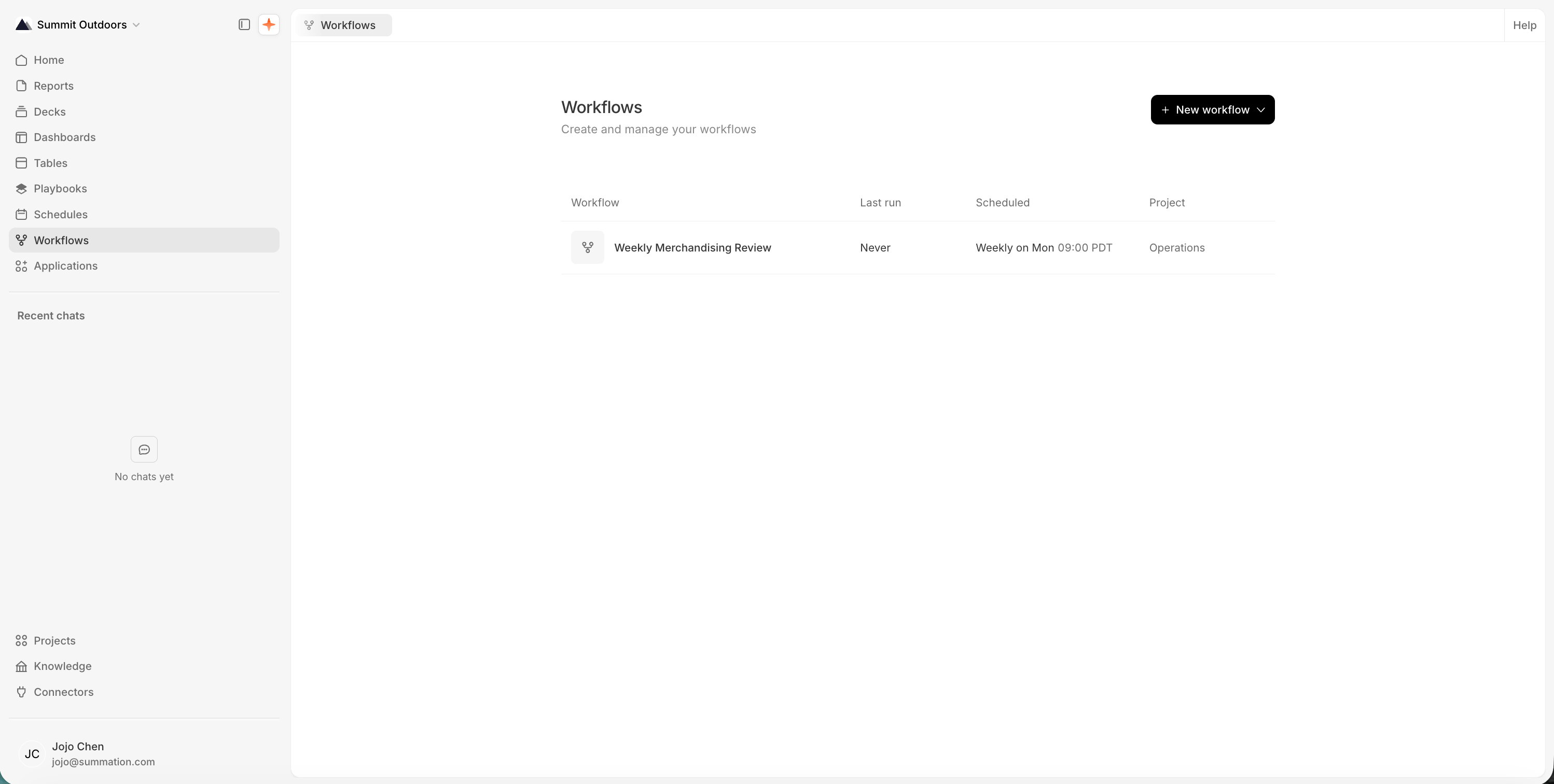
The Workflows list, with each workflow's schedule and project
Next
Workflows
Learn how schedules, playbooks, delivery, activation, and run history work.
Playbooks
Inspect and refine the reusable instructions behind each run.