
SELECT over your existing tables. Use it for derived datasets: aggregations, rollups, joins, and summaries computed from other tables.
What you can do
- Define the table with a SQL query; its columns come from the query.
- Materialize it the first time, then refresh (synchronize) it to recompute from the latest source data.
- Trace its lineage back to the tables it reads from.
Create a calculation table
On the Tables page, click Create → Calculation Table, then write theSELECT in the SQL editor and Run it. Saving does not materialize the result. It applies the SQL as a column change and leaves the table unmaterialized, so materialize it separately (see the API tab) before it can be queried.
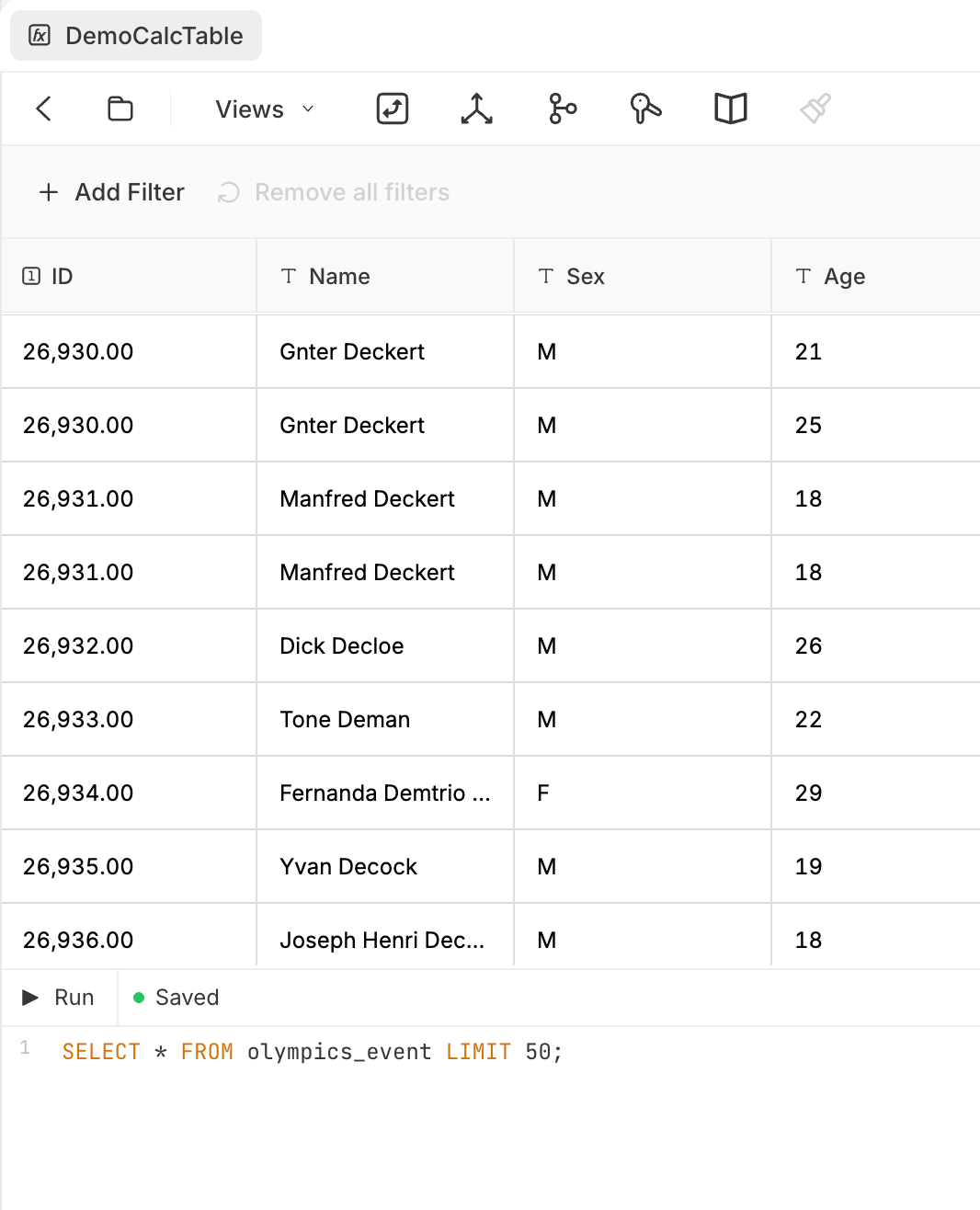
A calculation table's SQL