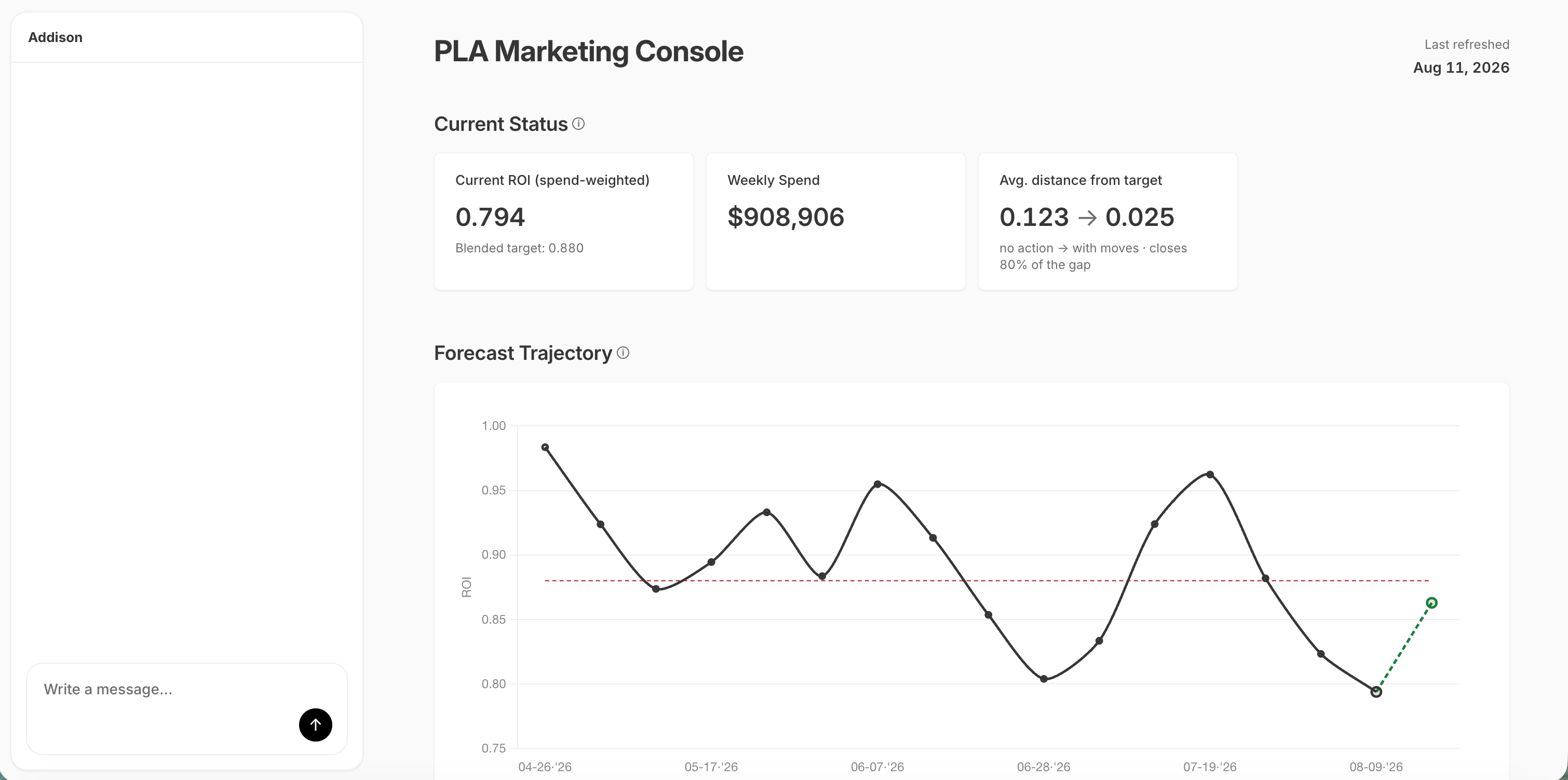
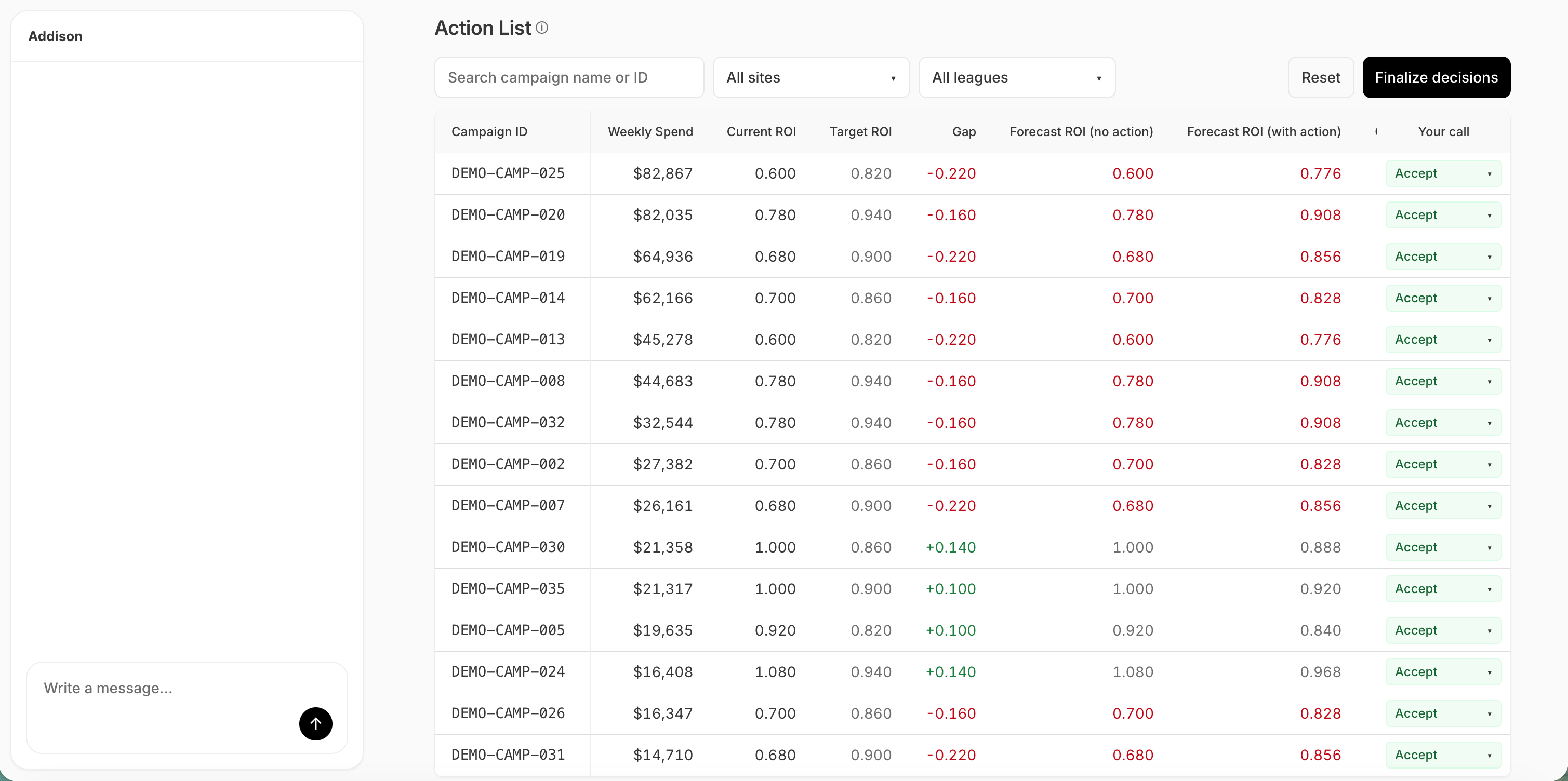
Applications — also known as SumApps — are purpose-built apps deployed into your workspace, like a planning surface or a marketing-performance review. Each runs at its own address and opens in a new tab. The Applications page is the launcher: it lists every app deployed for your workspace in this environment, with nothing to configure. Applications are deployed and registered through a deploy pipeline, not built in the app. Registering, updating, and removing them is done over the API; the page you see is the read-only front door.
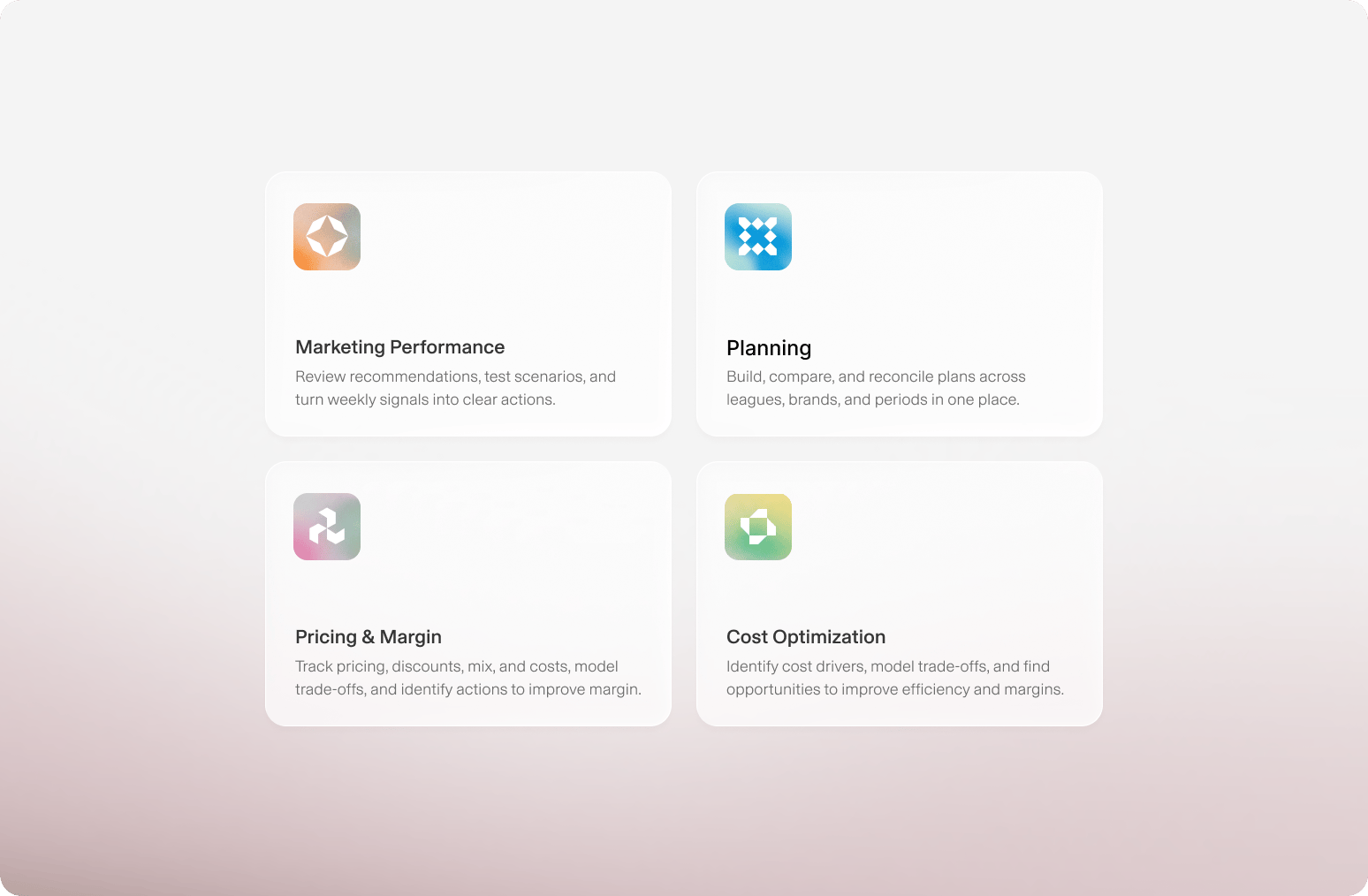
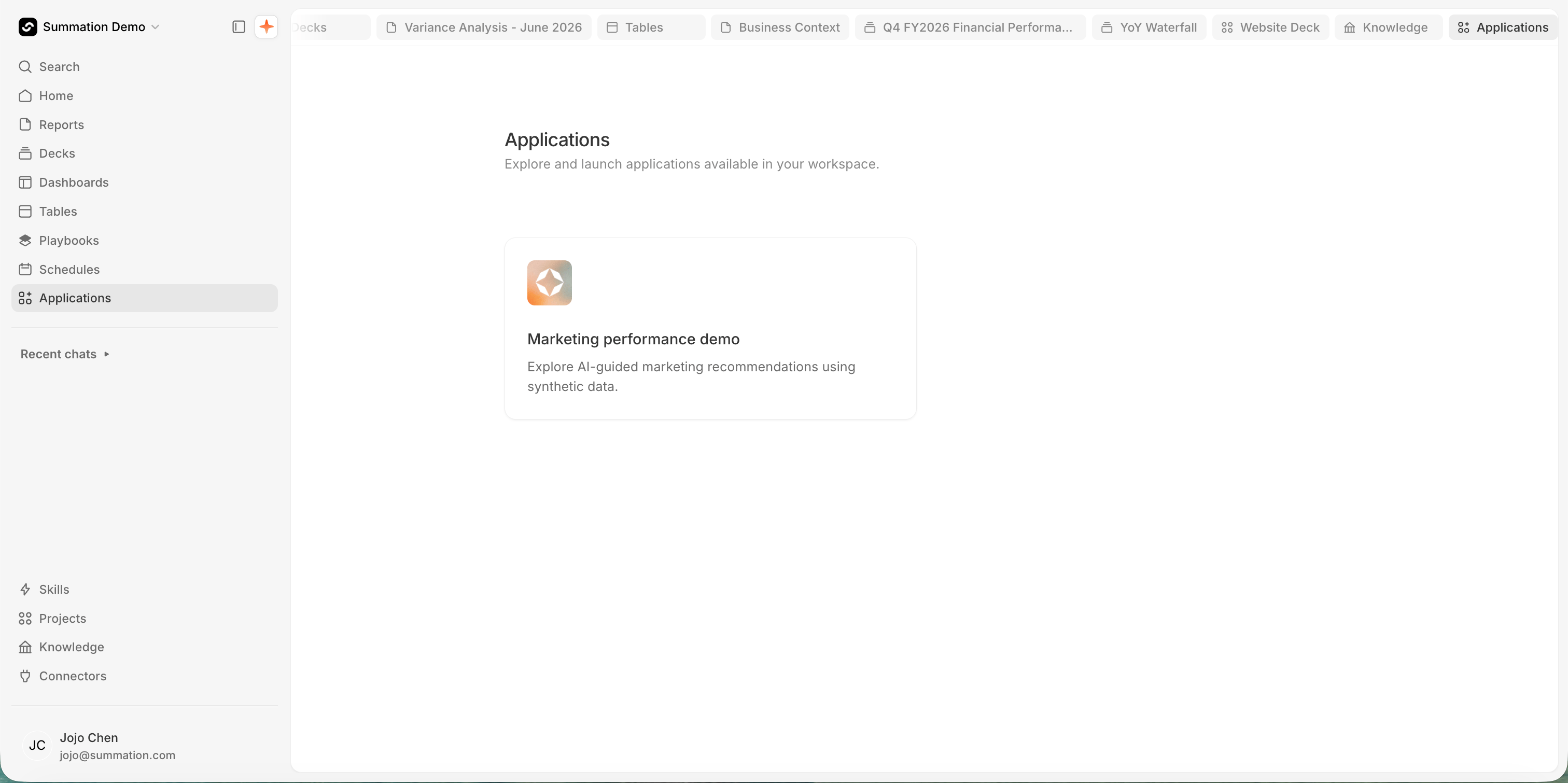
The Applications page at /apps titled 'Applications — Explore and launch applications available in your workspace.' Two cards sit below it, each with a gradient diamond icon: 'Marketing Performance — Review marketing recommendations, stress-test scenarios, and turn weekly signals into clear portfolio actions.' and 'Planning — Build, compare, and reconcile plans across leagues, brands, and fiscal periods in one operating surface.'

The Applications launcher

Find and launch applications

Open Applications (/apps) in the left sidebar and click a card. The app opens in a new tab at its own address — it runs alongside Summation rather than inside it, so your place in the workspace is kept.The list is the workspace’s live registry: an app appears as soon as it’s deployed and registered, and its title and description update in place on the next deploy.

What a registration holds

Each application is one registry entry, keyed by slug:

Register an application

Coming soon

Register and configure an application from the Applications page. For now, registration happens through the deploy pipeline — see Via the API.

Remove an application

Coming soon

Remove an application from the launcher in the app. For now, deregistration happens through the API.