A source table is a Summation table populated by importing a file (CSV). Use it to land external file data in the grid when it isn’t coming from a live connector — a one-off load you refresh by re-importing. What you can do
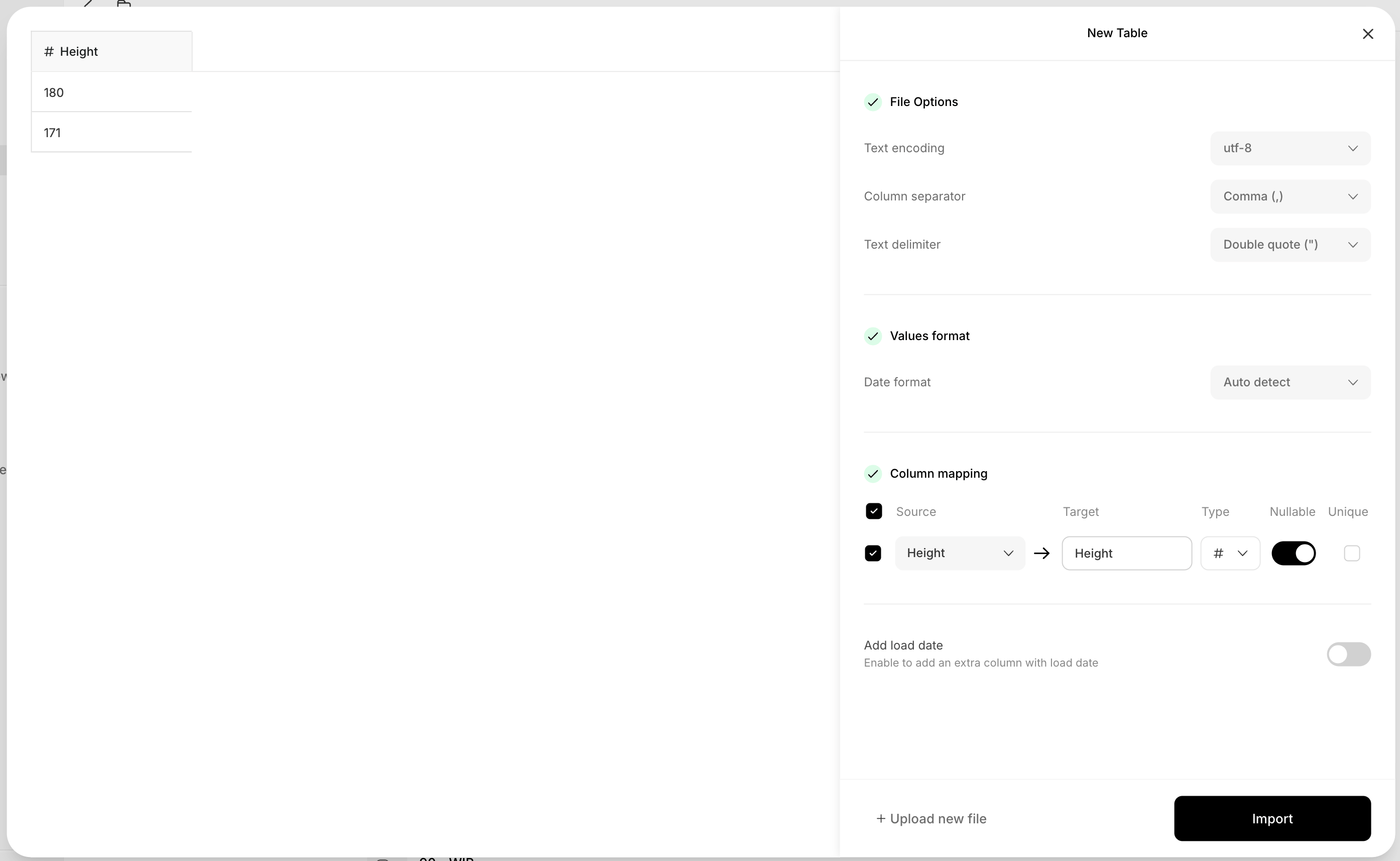
  • Upload a CSV (up to 1 GB) and map its columns to typed table columns, marking each nullable or unique.
  • Set file options (text encoding, column separator, text delimiter) and a date format, and optionally add a load date column.
  • Refresh the data by re-importing the file.

Create a source table

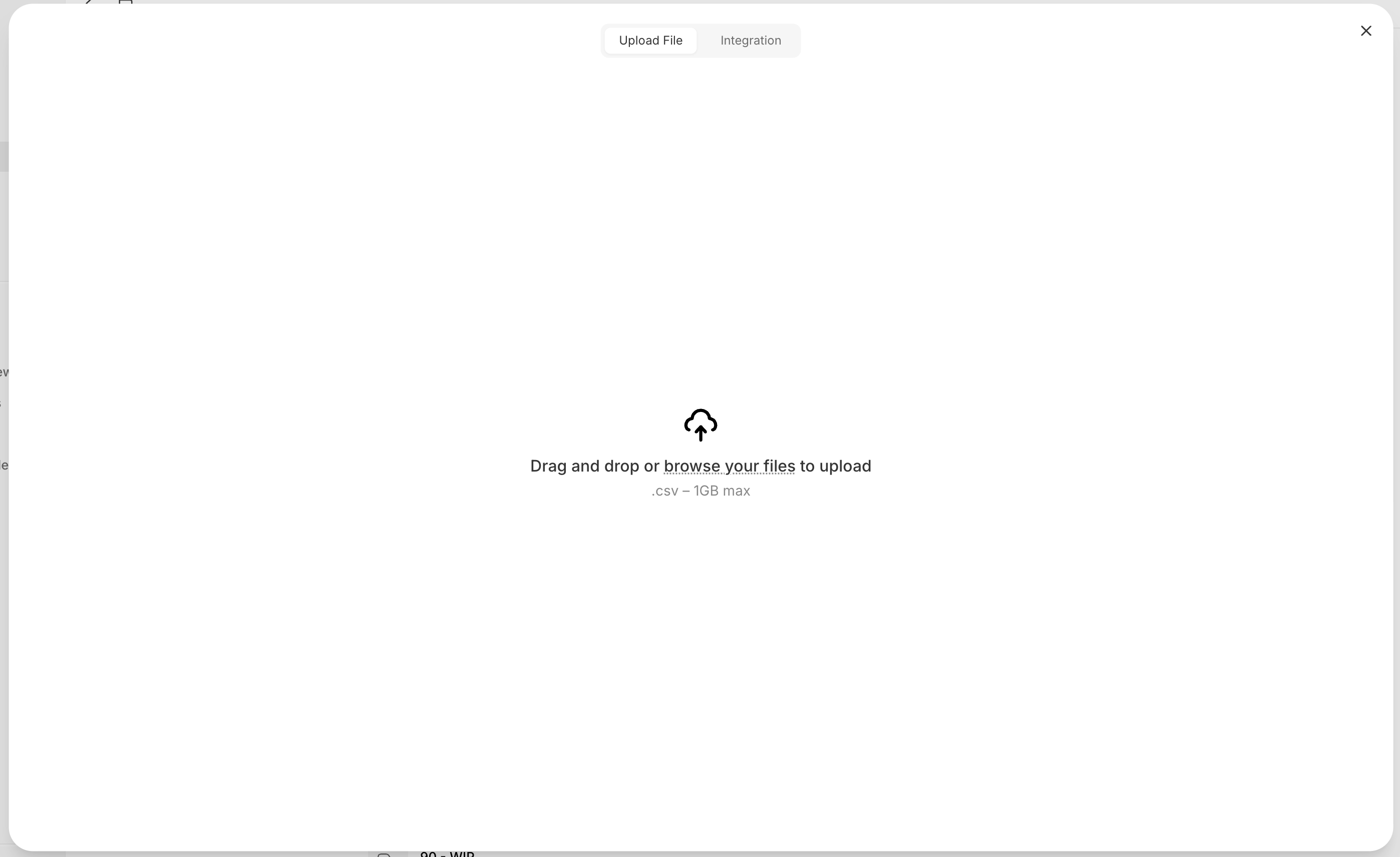
On the Tables page, click Create → Source Table, then Upload File and choose a .csv. Map the columns and click Import. (The Integration tab is coming soon; for live external data, use a connector instead.)
An 'Upload File / Integration' dialog with a drag-and-drop area reading 'Drag and drop or browse your files to upload', .csv up to 1GB.

Upload a CSV

A 'New Table' import panel with File Options (text encoding utf-8, comma separator, double-quote delimiter), Values format (date format auto detect), Column mapping (Source to Target, Type, Nullable, Unique), an 'Add load date' toggle, and an Import button.

Map columns and import