
What you can do
- Define a key column and its attribute columns.
- Reference it from other tables with Dimension columns, so their rows resolve to this dimension’s values.
- Edit its rows in the grid. Each dimension value shows a color, but colors are auto-assigned by row order from a fixed 8-color palette. They aren’t user-set, aren’t persisted (there’s no color field on the table), and don’t flow through to charts or dashboards.
Create a dimension table
On the Tables page, click Create → Dimension Table. Add your key and attribute columns with the + Add column menu, then enter the dimension’s values.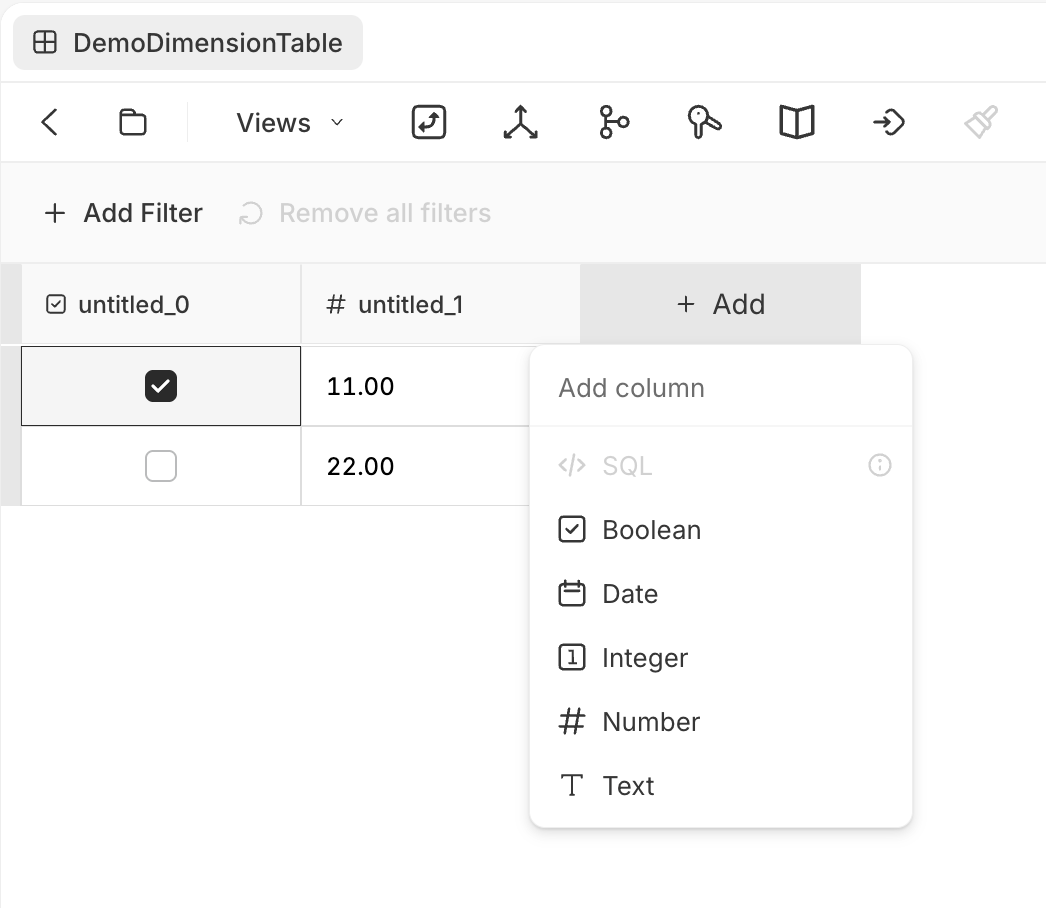
A dimension table