
.html) that Addison builds from your data: a data narrative, a one-page report, or a visual summary with charts and KPI cards. It lives in your project as a file rather than a native Summation document, but it’s fully verified, renders in a full in-app viewer, and downloads as a single self-contained .html file.
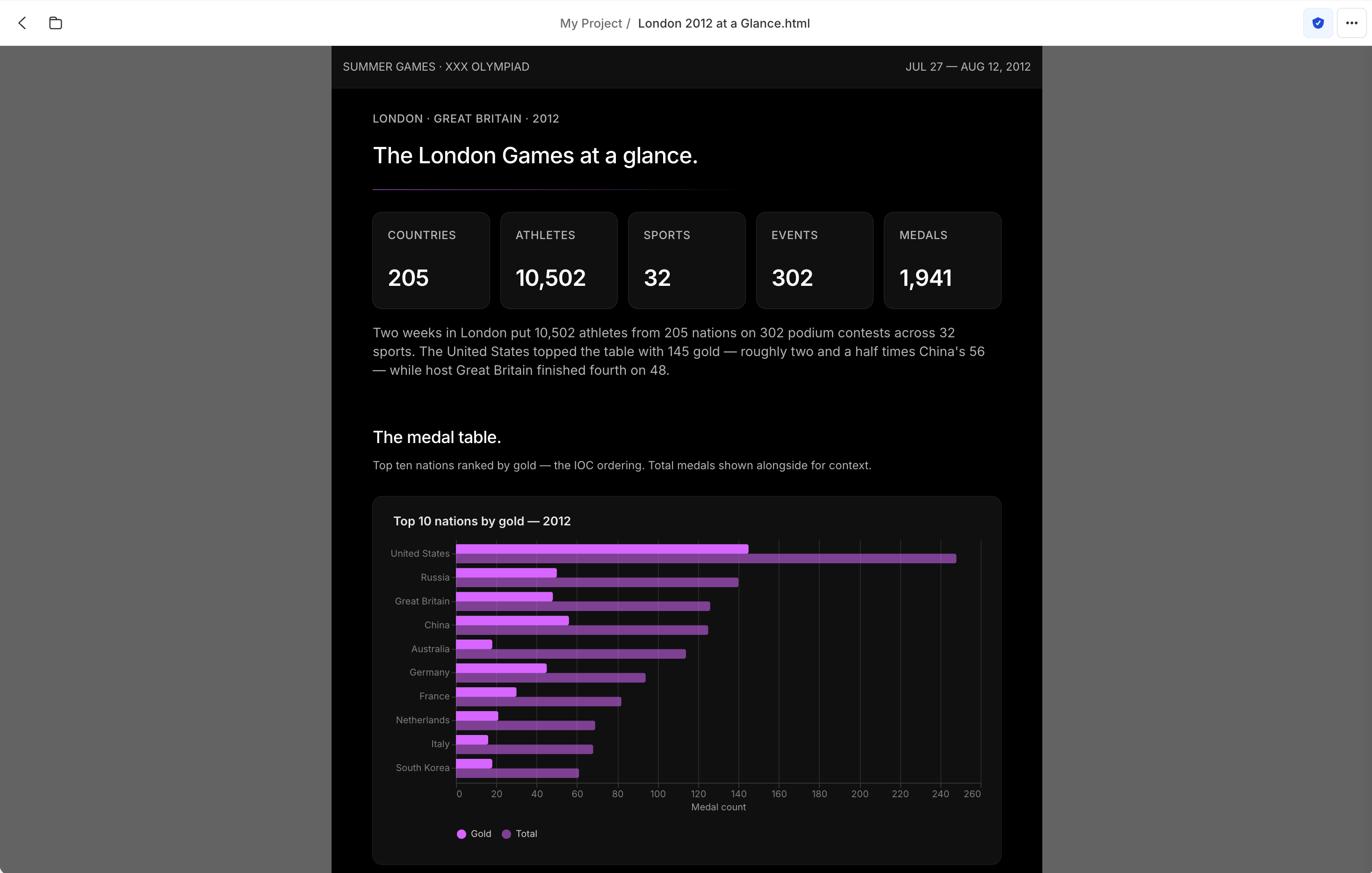
An HTML report rendered in the in-app viewer, with the ⋯ menu showing Rename, Share, Download as HTML, Versions, and Delete
What Addison builds
HTML artifacts are finished, presentation-ready pages:- Self-contained: one
.htmlfile with its styling and charts inline, nothing external to load - Template-driven: editorial, light, and dark themes, via Addison’s
html-template-*skills - Optionally workbook-traced: with the
workbook-reportskill, every number traces cell by cell to an auditable Excel workbook
Create
Ask Addison in a chat for the page or report you want, or produce one by running a playbook. Addison writes the.html into your project and opens it in the viewer.
Open and view
Open the file to render the full styled page in the in-app viewer. It shows exactly what the downloaded.html contains.
Versions
Each save adds a version. Open Versions in the ⋯ menu to see and switch between earlier versions of the page.Manage as a file
An HTML artifact is an ordinary file in your project, so every file operation applies: move it between folders, copy it to another project, duplicate it, or delete it. The ⋯ menu in the top bar, and the file’s row in the project file list, both offer Rename, Share, Styles, Verification, Download as HTML, Versions, and Delete.Rebuild as a dashboard, deck, or report
HTML pages support verification on their own, but once one needs a wider audience you can ask Addison to rebuild it as an interactive dashboard, a presentation deck, or a report. The rebuilt version gains full data citations and a dedicated home in the app.Dashboards
Turn the page into interactive charts and KPIs.
Decks
Turn the content into a presentation.
Reports
Turn the narrative into a verified written report.