
Start with one useful correction
Look at the analysis you just created. Does it match how your team actually defines things? If not, tell Addison in the same conversation:Use net revenue after refunds, and exclude test accounts. Update the analysis with those rules.If it’s worth keeping, ask Addison to save it as a guide or metric (see Save what you’ll use again below).
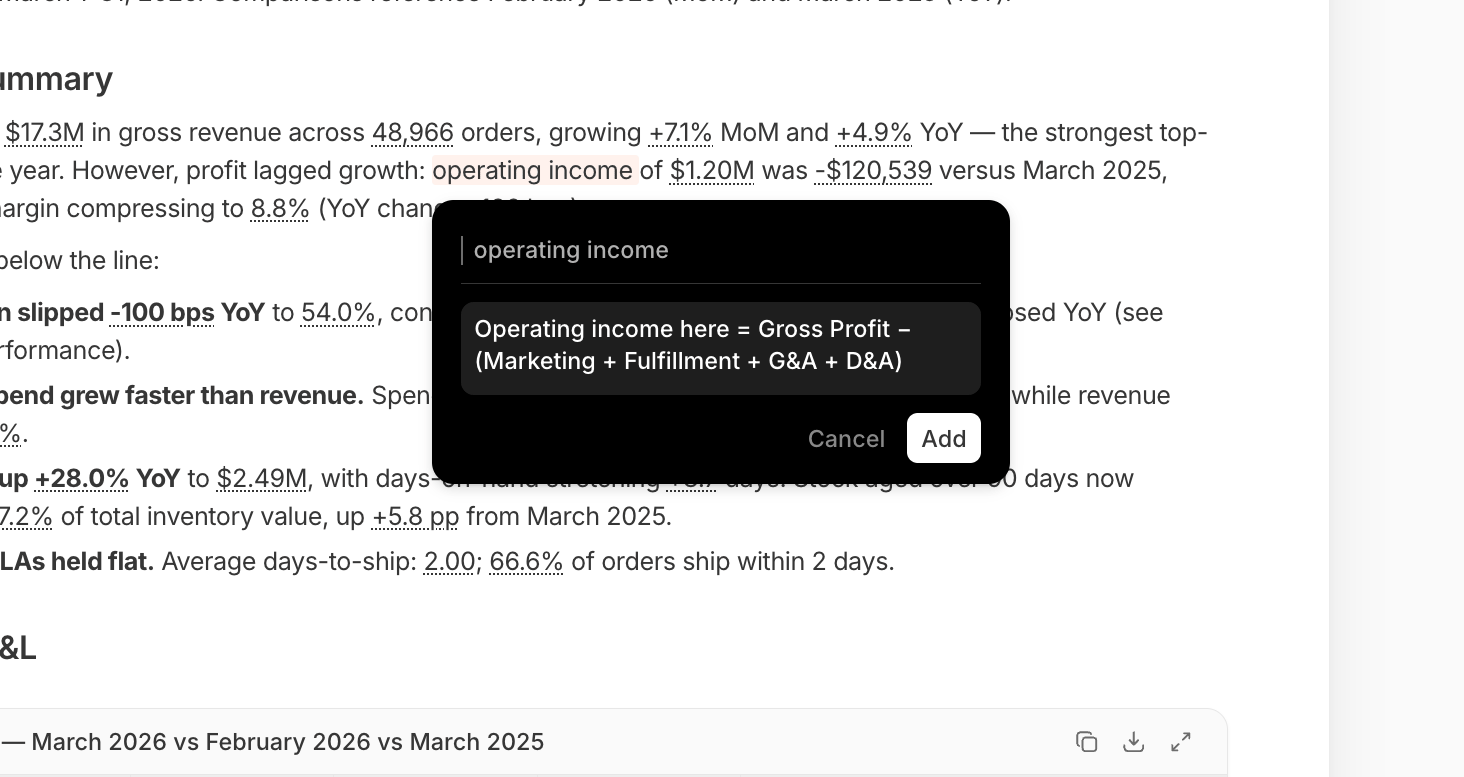
Defining a term inline, from a report
Guides and metrics: the two ways to save context
Knowledge holds two types of saved context:- A guide is written context in Markdown: a definition, a convention, or background on how your business works. Use it for anything you’d otherwise re-explain in chat, like “revenue excludes test accounts” or “Q4 planning assumes 3% churn.”
- A metric is one number, defined once with its calculation attached, like gross margin or average order value. Compute it once and it stays consistent everywhere: in a chat answer, on a dashboard, in a scheduled report.
Save what you’ll use again
Save it once and let Addison do the writing. Open a project’s Knowledge page, from the buttons at its top-right (or the organization-wide Knowledge page, from the left nav), and choose Add → Create with Addison. Describe the rule instead of writing it out. For a metric, Addison also finds the backing table, writes the calculation, and validates it against real data. Either way, you’re reviewing a draft, not filling in a blank page. Prefer to write it yourself? Create Manually opens a blank guide page, or a metric panel asking for the table and the definition. For a guide, put the rule in the first sentence, since Addison only sees a short excerpt. Keep the scope clear. Is this a rule for your whole business, or just this project? Excluding test accounts might belong globally; a one-off planning assumption might belong to a single project. A project-scoped guide or metric can be published to the global library later, once an admin approves it. Start with a few sentences and add more as real questions reveal what’s missing.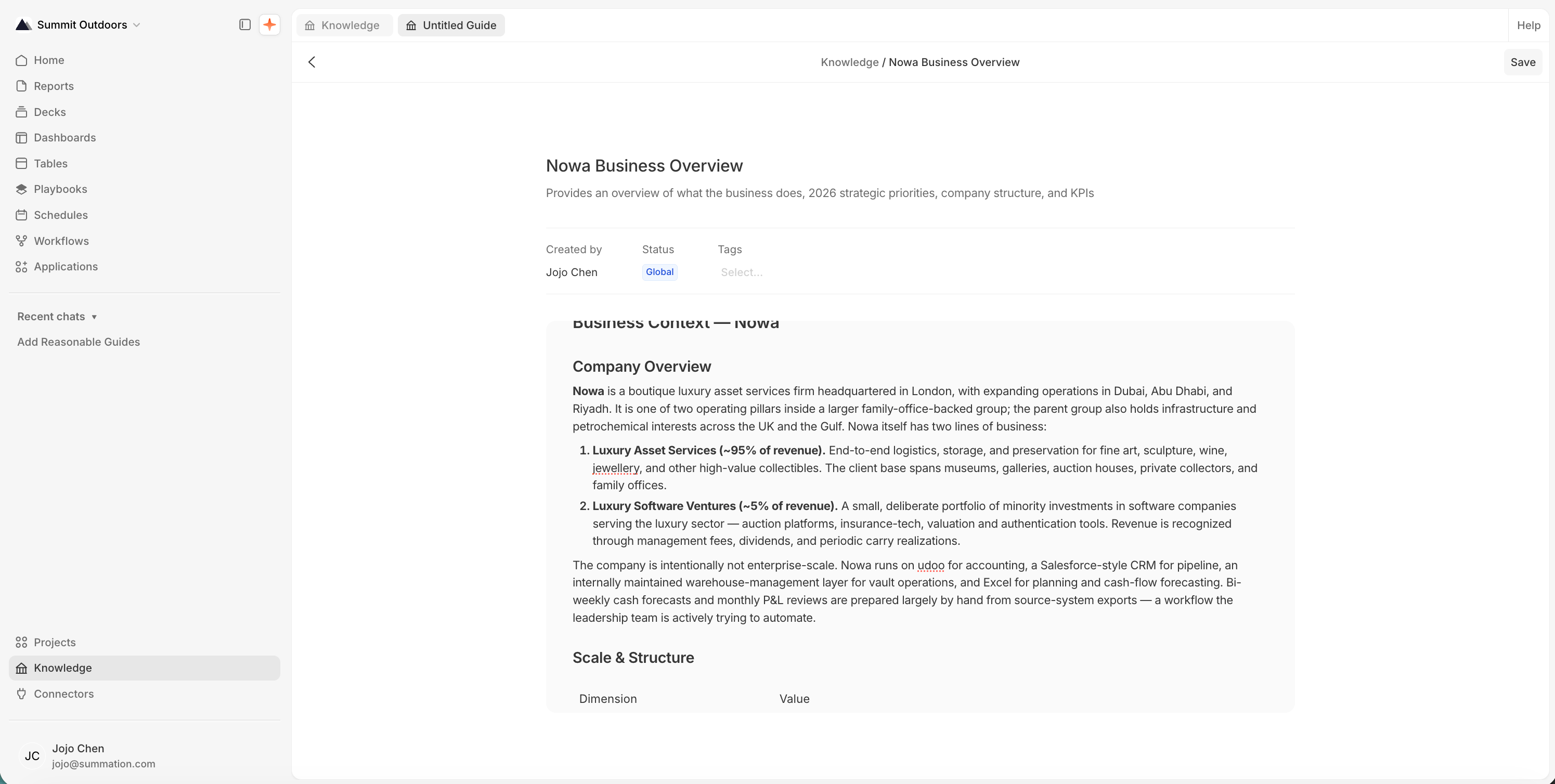
A guide, open for editing
Build on what your team already knows
Already have a glossary, metric spec, or analyst handoff? Add it to your project’s Files and ask Addison to turn it into guides and metrics. Addison checks each proposed asset against what already exists, so you don’t create duplicates. For more on scoping and publishing, see Knowledge. Use the data catalog to document what tables and columns mean.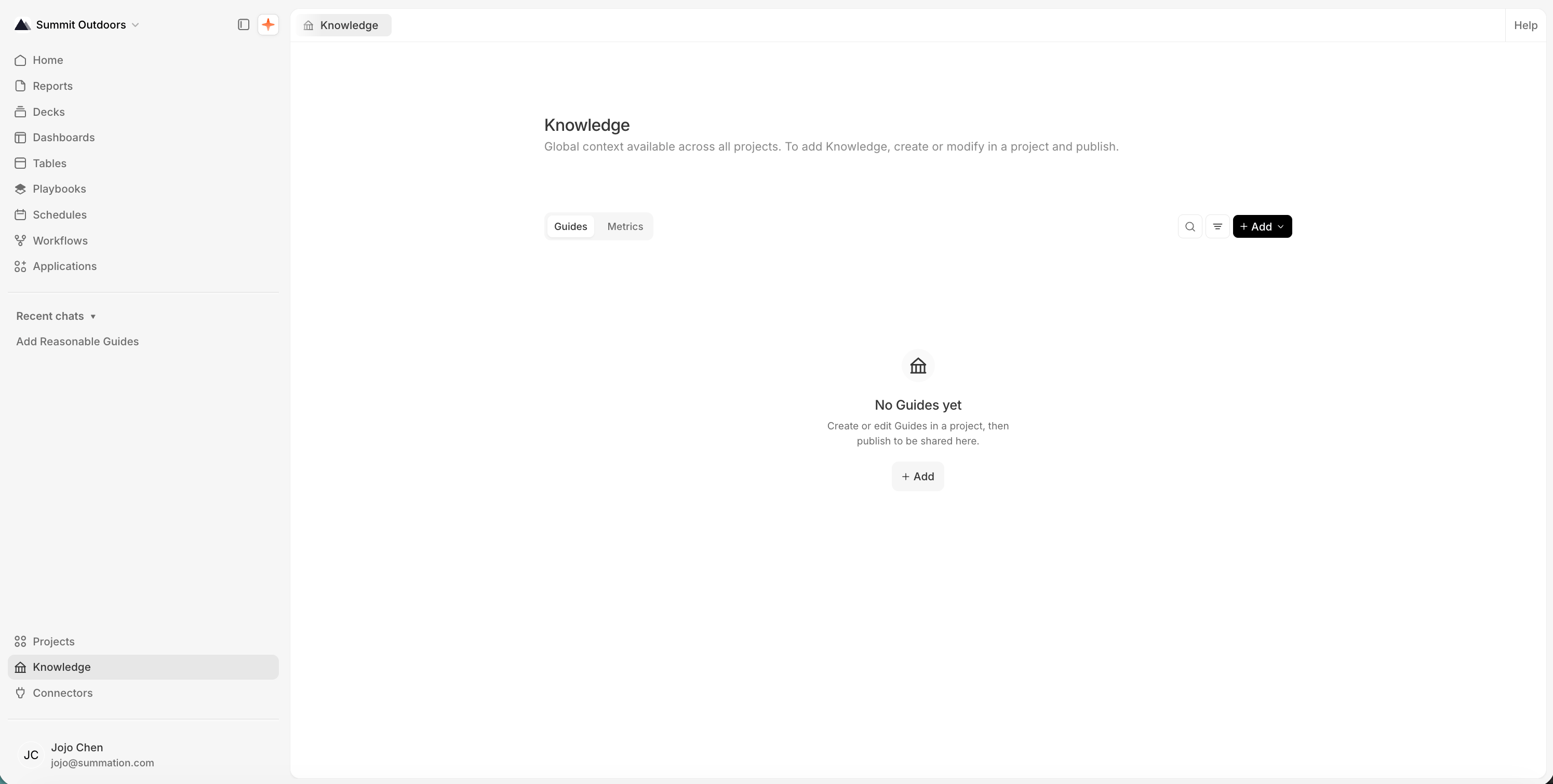
The Knowledge library, shared across your organization
Next: automate the work
If your analysis was a one-time task, you can stop here. If you want to repeat it, turn the reviewed work into a workflow.Automate your first workflow
Step 4: test a playbook, then choose when it runs and where to send the results.