
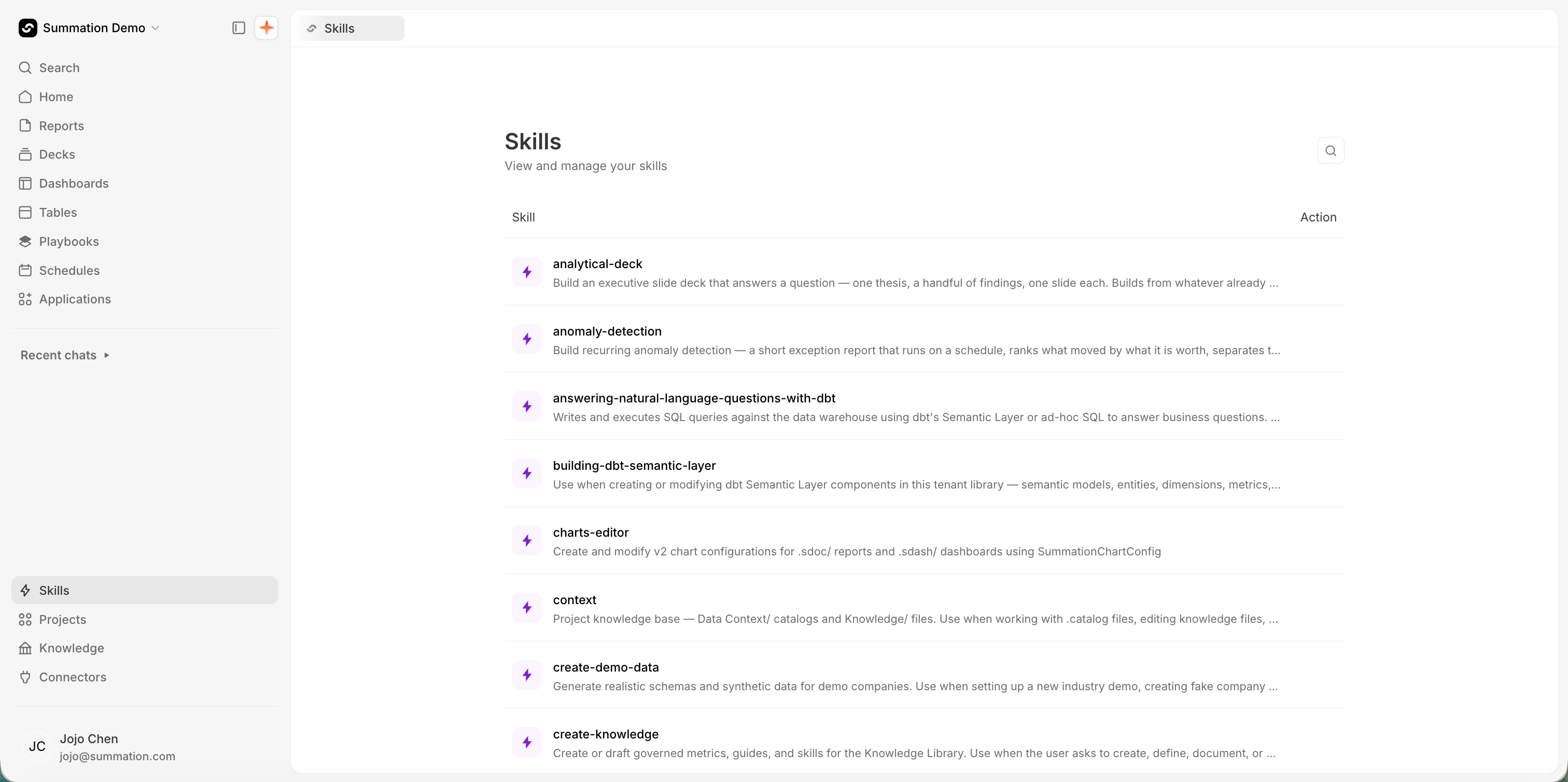
The Skills page, listing what's shared across the organization
What’s in a skill
A skill is a folder of files Addison loads when it needs them. OnlySKILL.md is required.
Addison reads every skill’s name and description but opens the instructions only for the one it picks, so the description is what decides whether a skill fires. Write it as what this does and when to use it.
Use a skill
Three routes get you there:- Type
/in Addison’s composer and pick the skill by name. - Just ask. Addison matches your request against the available skills on its own, so plain English usually lands on the same one.
- Try now, from a skill’s row menu or its detail dialog, drafts the skill into a chat so you can run it immediately.
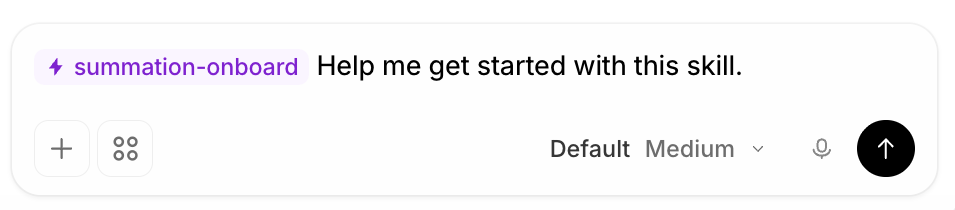
Try now drafts the skill into a chat, ready to send
Start with Summation’s built-in skills
You don’t need to write a skill to get value from one. Summation ships a library of them, available in every project with no setup, each built to land on an exec-ready artifact rather than a rough draft. A few that teams reach for first, to show the range:
That’s a sample, not the catalog. The Skills page lists everything shared with your organization, and it’s worth a scan before you write anything of your own. Alongside these builders sit skills for editing tables and charts, drafting knowledge, working with dbt, and building templates, plus whatever your organization has published.
Run one against your own data and see what it produces before deciding anything.
/verify-and-correct is the one worth knowing early: it checks numbers, sources, and claims against the underlying data, which is what makes the output safe to send to an executive.
These are also the best starting point for your own work. Adapting one with Edit in project is usually faster and better than writing a skill from a blank file, because you inherit a structure that already works.
Many built-in skills never need invoking at all. Addison reaches for them itself when a request calls for one, which is why the list is longer than the set you’d ever type.
Global and project skills
Every skill sits at one of two levels:- Global, in your organization’s skills registry. Addison can use these from every project, and admins manage them centrally.
- Project, created inside one project. Available only there.
Adding a global skill to a project doesn’t grant access Addison lacked, since it already sees the whole registry from anywhere. It raises priority, telling Addison to reach for that one here.
Build in a project, test, then publish
Always create and change skills inside a project first. A project is where you can run a skill against real questions before anyone else depends on it, and nothing you do there affects other teams.1
Create or edit in a project
Open Skills from the project’s top-right, then Add offers three routes: Create with Addison drafts a skill from a plain-English description, Write skill manually takes a name and description and opens the instructions file, and Browse skills copies one of your organization’s skills into the project.To adapt a global skill, use Edit in project. It copies the skill into the project you pick and opens the copy. The project’s version is tagged Modified, and the global version is untouched.
2
Test it
Run the skill with Try now and a few questions it should handle. Watch for the two failures that matter: Addison not picking the skill (fix the description) and Addison following it to the wrong answer (fix the steps). Edit and rerun until both hold.
3
Publish to your organization
Open the skill’s detail dialog and click Publish. An admin reviews it, and until they approve, your version stays scoped to its project.
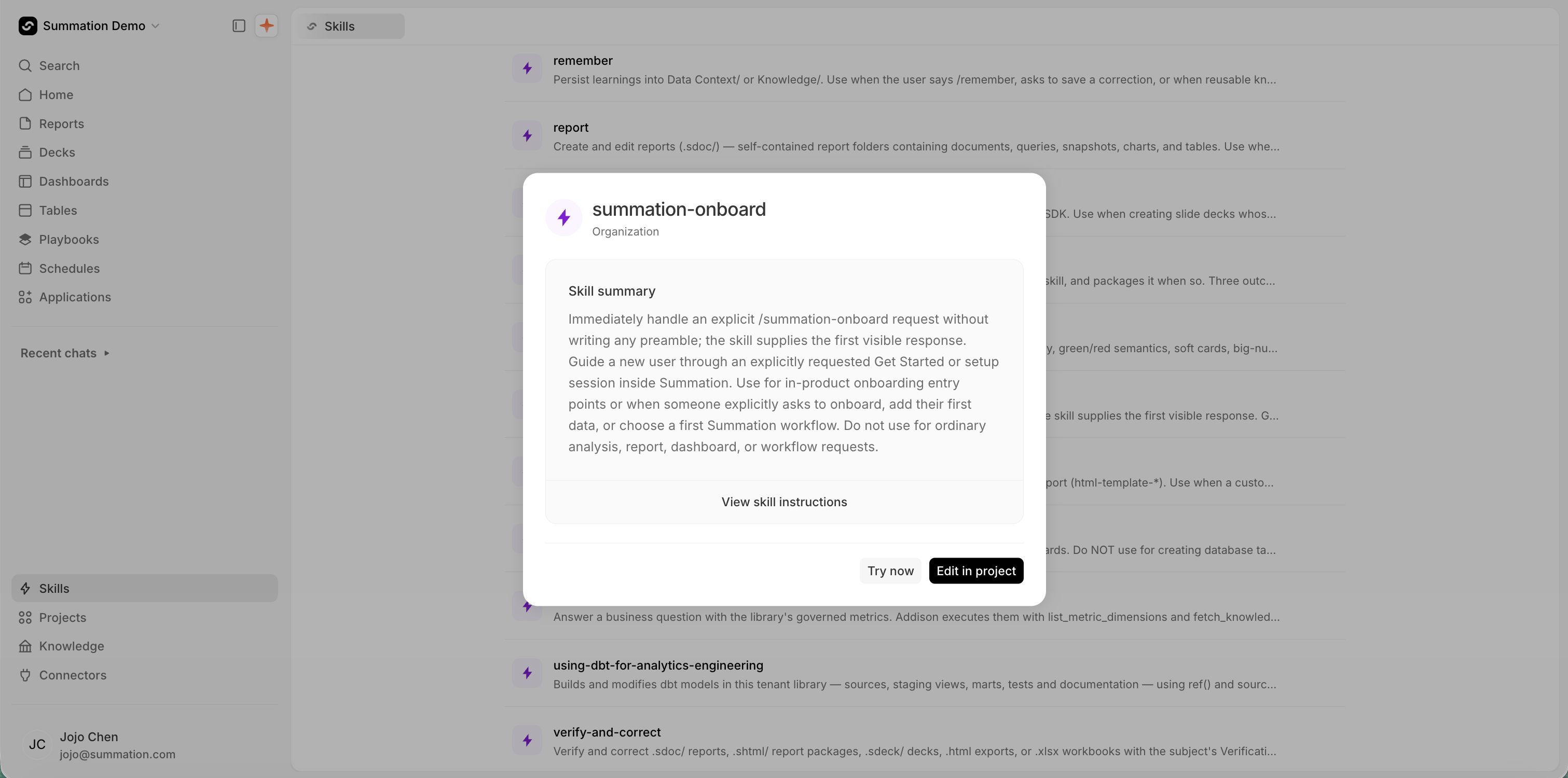
A skill's detail dialog, with Try now and Edit in project
Bring skills you’ve already written
If your team already has skills written for another agent, you don’t have to retype them. Open Add → Create with Addison, attach the files, and ask Addison to add them as a skill. Addison reads them, drafts the skill in the project, and saves it there so you can test and publish it like any other. Bring the whole package, not just the entrypoint. Attach the references and scripts along withSKILL.md and say how they fit together, since a SKILL.md that cites references/format.md is incomplete without it.
This works for anything that describes a procedure, not just a SKILL.md: a runbook, a close checklist, an SOP, an analyst onboarding doc. Attach several at once and ask for one skill per document.
Delete
Delete appears only on a project’s own skills, in the row ⋯ menu on the project’s Skills page. Summation’s built-in skills and your organization’s global skills can’t be deleted from a project. Deleting a Modified copy drops the project back to the global version.Writing a skill that works
- Spend your effort on the description. It’s the only part Addison reads before deciding. “Monthly close” is a title. “Reconcile subledger to GL for a closed month, flag entries over $10k without support” is a description.
- Write steps, not prose. A numbered procedure is followed more reliably than a paragraph describing one.
- Move detail into
references/. When a step needs a page of explanation, put it in a reference file and cite it in one line. Addison loads it only when it reaches that step, andSKILL.mdstays scannable. - Put anything deterministic in
scripts/. A calculation or a validation that must come out the same every time is more reliable as a script the skill runs than as prose it re-derives. - Name the tables and metrics. A skill that says “pull revenue” leaves Addison guessing. One that names
finance_actualsand thenet_revenuemetric doesn’t. - Put definitions in Knowledge instead. If a skill starts explaining what a term means, that belongs in a guide or metric, where everything else can use it too.
- Check for a near-match first. Two skills with overlapping descriptions make Addison’s pick unpredictable.